Drivers · Installation · Help

Digital certificate support:fix it yourself or with us alongside.

Three choices and you download the right file for your machine. If you prefer, we connect to your computer via remote access and install it with you — no ticket, no queue.

Mon–Fri, 7:30 am–6 pm (Brasília time)Installation included with purchase

Downloads

Find the right file in three steps.

The driver depends on the certificate type, the operating system and the media manufacturer. Choose below and we'll show only what works for you.

STEP 01

Which certificate do you have?

STEP 02

Which operating system?

Not sure if your Windows is 32 or 64-bit? PressWindows + Pause and check “System type”.

STEP 03

Token or card?

SafeNet 5110

Thales · antigo Aladdin

The most common black token. SafeNet Authentication Client (SAC) driver, which includes the token manager.

SafeNet 5100

Thales · antigo Aladdin

Previous generation of the 5110. Uses the same SafeNet Authentication Client.

ePass 2003

Feitian

Blue token, widely used by accounting firms.

GD StarSign

G+D · GD Burti

Token with the manufacturer's own middleware (SafeSign/StarSign).

Cartão Gemalto

Thales · SafeNet

Chip card. Also install your card reader's driver.

Cartão SafeNet IDPrime

Thales

IDPrime line. Card driver first, then the reader driver.

Cartão Oberthur

Idemia · AWP

Common in older corporate issuances. AWP middleware.

Cartão SafeSign

A.E.T. Europe

SafeSign middleware, used by several Certificate Authorities.

Cartão ePass 2003

Feitian

Card version of the ePass, with the same middleware as the token.

Also available

The programs everyone needs.

Digital signer

Serpro Signer, free, to sign PDFs with an ICP-Brasil certificate on Windows, macOS or Linux.

Download the signer

Validate a signature

Check whether a signed document is valid in ITI's official validator.

Open the ITI validator

Certificate chain

ICP-Brasil root and intermediate certificates, for when your browser doesn't recognize the signature.

ITI official repository

Remote access

A lightweight program so our team can access your computer and install it with you.

Download AnyDeskor TeamViewer QuickSupport

Cloud certificate app

Sign from your phone, no token needed. The app depends on your certificate's Certificate Authority.

Syn (Syngular)BirdID (Soluti)

Test my certificate

Checks whether the media is installed and the certificate is valid.

Test now

The links go to the official pages of the manufacturers and Certificate Authorities, with the latest version of each installer.

Who helps you

There's a real person on the other end, 7:30 am to 6 pm.

Support is our own team, based in Extrema. If the driver doesn't solve it, we connect to your machine via remote access and install it with you — free of charge and without opening a ticket.
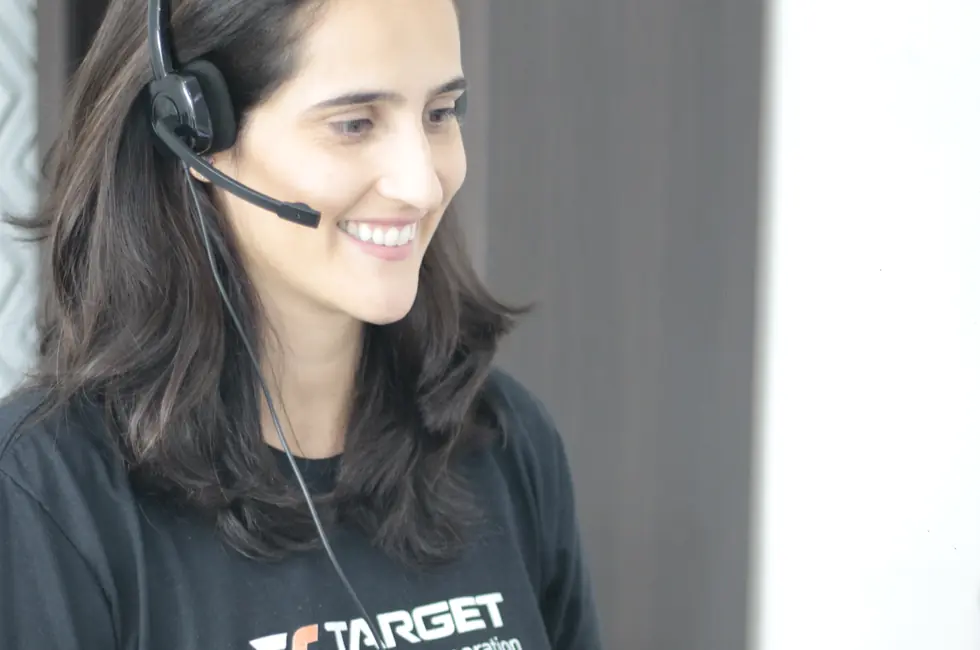
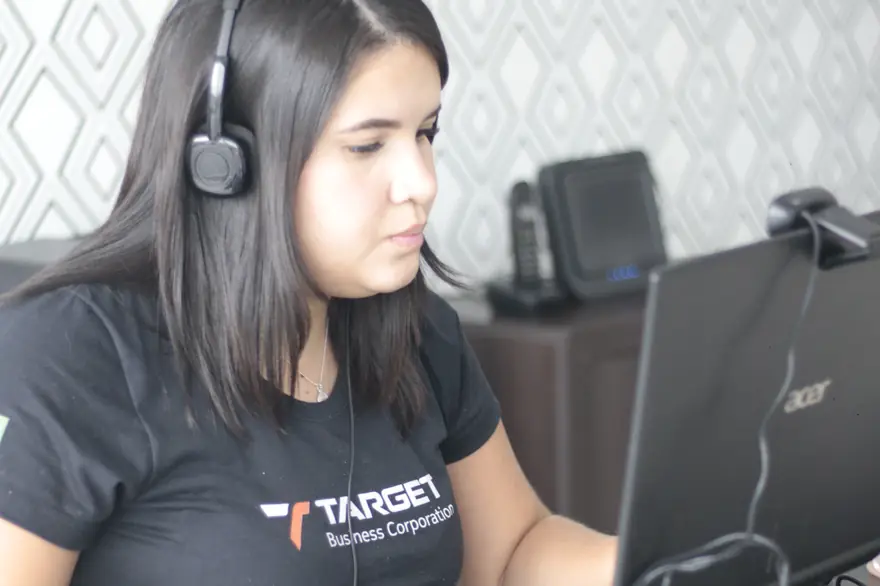
Target support agent wearing a headset, taking notes during a support call
Phone, WhatsApp and email. Our response time is one business day, but it's almost always right away.
Target team providing support via remote access on a computer
Remote access. Installation is included with every certificate purchased from Target.

Questions

What people ask us most.

I installed the driver and the government website doesn't recognize my certificate
It's almost always a missing certificate chain or the wrong browser. Download the chain above, restart your browser and try again — if it persists, message us on WhatsApp and we'll connect remotely.
How do I know if my Windows is 32-bit or 64-bit?
Press Windows + Pause, or go to Settings → System → About, and look for “System type”. Computers bought in the last ten years are almost always 64-bit.
I forgot my token password. Can you unlock it?
You set the token password at issuance and Target has no copy. With the administrator password you can reset it in the token manager; without it, the certificate must be issued again.
Do I need to install anything for a Cloud certificate?
Not on your computer. Just install the app on your phone and link the certificate — it's the option for those who switch computers often.
I lost my token. What now?
Contact us immediately to revoke the certificate. After revocation, a new one must be issued, with a new validation.
How much does installation support cost?
Nothing. Installation is included with every certificate bought from Target, by remote access or in person in Extrema.

Still stuck?

Message us on WhatsApp and we'll connect to your machine and install it with you.

Support WhatsApp +55 (35) 99960-2723+55 (35) 3613-0900
Benefits cardDigital certificate